
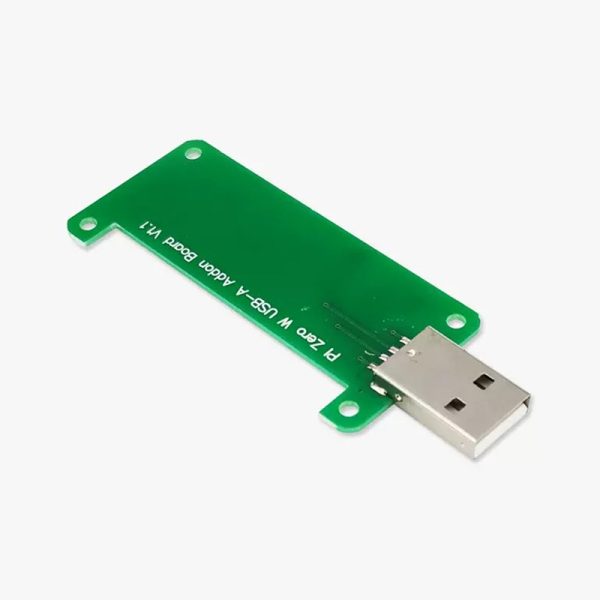
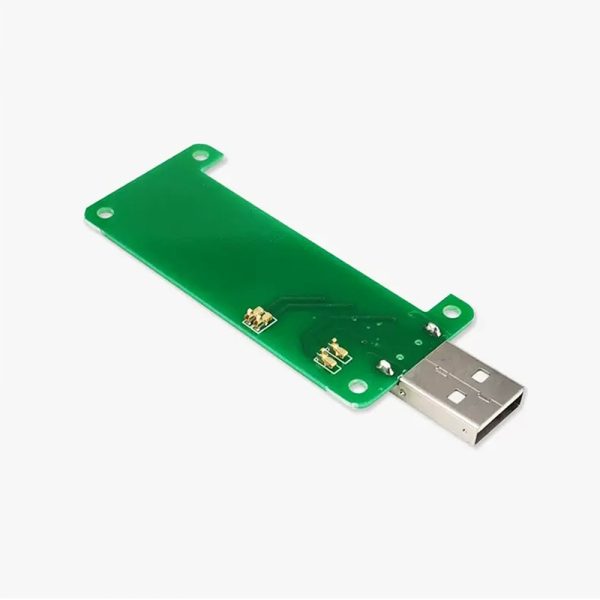
Pi Zero W USB A Addon Board for Raspberry Pi Zero W
$ 4.48
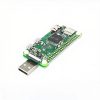
Pi Zero W USB A Addon Board for Raspberry Pi Zero W / 2W / Zero 1.3. Convert your Pi Zero or Pi Zero W into a convenient USB dongle. Just plug it into a free USB port and you can connect to your Pi over USB ethernet and share your computer’s internet connection without any additional cables or power supplies. It’s not include a Raspberry Pi Zero. Details: Compatible with Pi Zero V1.3 (with camera connector) and Pi Zero W. Not compatible with Pi Zero v1.2 (without camera connector)! Supported in Raspbian Jessie Pixel and Lite Setup needed (see below) No soldering required! In short: Flash your SD card as usual using Etcher or Win32DiskImager Open up the “boot” partition and edit “config.txt”, adding “dtoverlay=dwc2” to the bottom Open up “cmdline.txt” and add “modules-load=dwc2,g_ether” after “rootwait” Create a new file named “ssh” in the boot folder Pop your newly set up SD card into your Pi Zero, plug it into a USB port and you should be able to SSH in to “raspberrypi.local”, you will need Bonjour, iTunes or Quicktime installed in Windows or Avahi Daemon in Linux for this to work.
You may also like…
-
 HDMI-A to Micro HDMI CableSelect options
This product has multiple variants. The options may be chosen on the product page
HDMI-A to Micro HDMI CableSelect options
This product has multiple variants. The options may be chosen on the product page
-
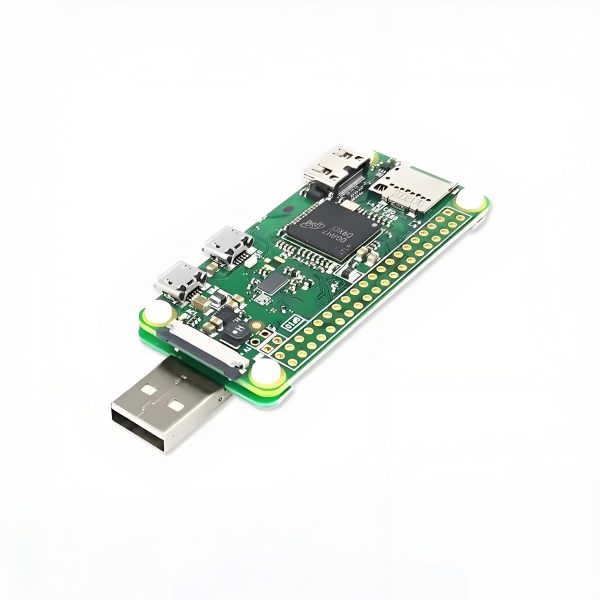 Pi Zero W USB A Addon Board for Raspberry Pi Zero WAdd to cart
-
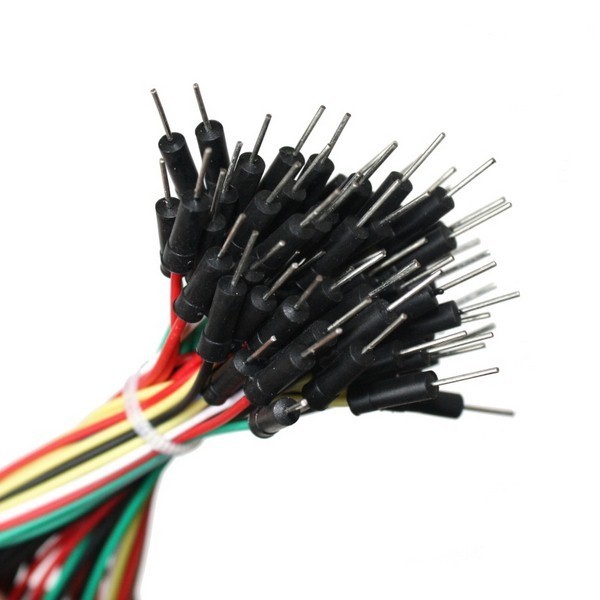 Breaboard Jumper Wires, 65 pcsAdd to cart
-
 USB Audio Adapter (3.5mm Jack Mic)Select options
This product has multiple variants. The options may be chosen on the product page
USB Audio Adapter (3.5mm Jack Mic)Select options
This product has multiple variants. The options may be chosen on the product page
Related products
-
 ALOGIC – 2M Mini Displayport To Displayport Cable Ver 1.2 – Male To Male – Elements SeriesALOGIC – 2M Mini Displayport To Displayport Cable Ver 1.2 – Male To Male – Elements Series
This product has multiple variants. The options may be chosen on the product page
ALOGIC – 2M Mini Displayport To Displayport Cable Ver 1.2 – Male To Male – Elements SeriesALOGIC – 2M Mini Displayport To Displayport Cable Ver 1.2 – Male To Male – Elements Series
This product has multiple variants. The options may be chosen on the product page
-
 ALOGIC – 2M Smartconnect Displayport To Hdmi Cable – Male To MaleAdd to cart
-
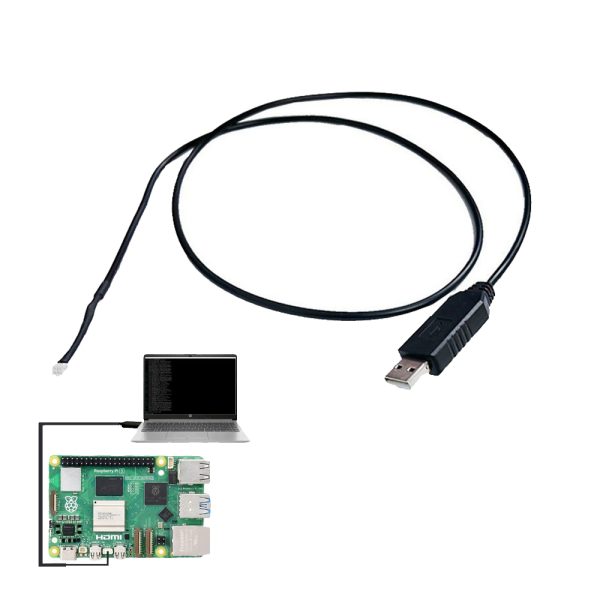 UART Cable for Raspberry Pi 5Select options
This product has multiple variants. The options may be chosen on the product page
UART Cable for Raspberry Pi 5Select options
This product has multiple variants. The options may be chosen on the product page
-
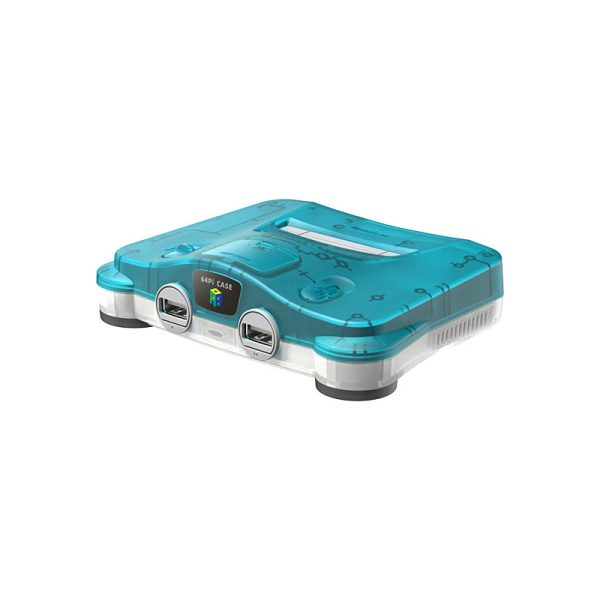 Retroflag 64Pi CASE for Raspberry Pi 5Select options
This product has multiple variants. The options may be chosen on the product page
Retroflag 64Pi CASE for Raspberry Pi 5Select options
This product has multiple variants. The options may be chosen on the product page